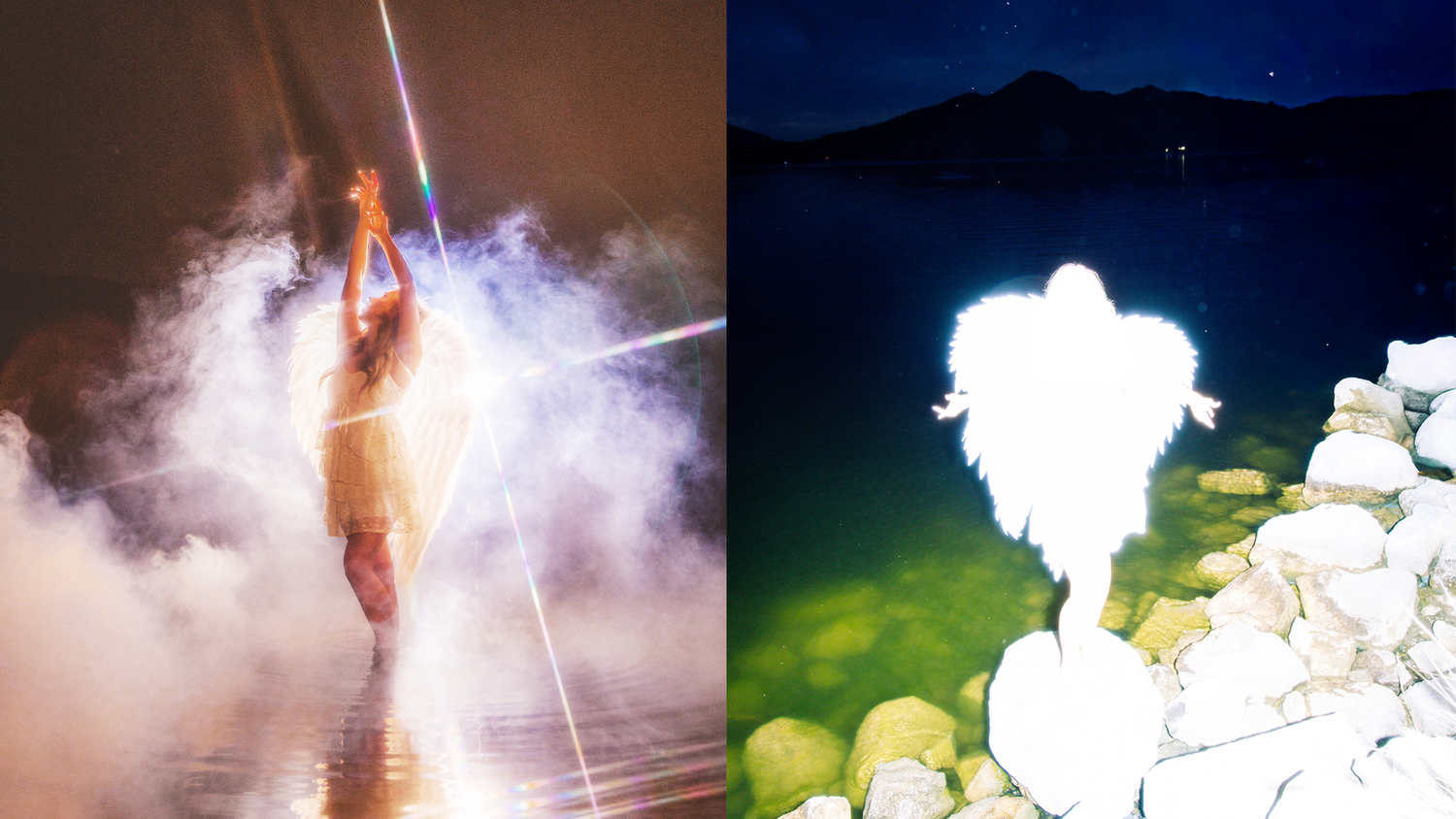
to understand our lighting, process, and how we shot the photos, keep reading!
The Idea
My friend Jackilyn and I are always dreaming up ideas, and this week we wanted to create something angelic and surreal. We didn’t have access to a studio, so instead of forcing it, we leaned into the limitation and decided to shoot at a lake, which made the whole thing even more ethereal.
We shot this in Arizona during the winter, which meant fewer people around at night and a quieter environment overall. For safety (and sanity), we had our fellow creative and photographer Zack Placencia with us, shooting with us, carrying gear, and braving the cold water to set up the lighting. We also brought pepper spray, always better safe than sorry when you’re shooting at night in a remote area.
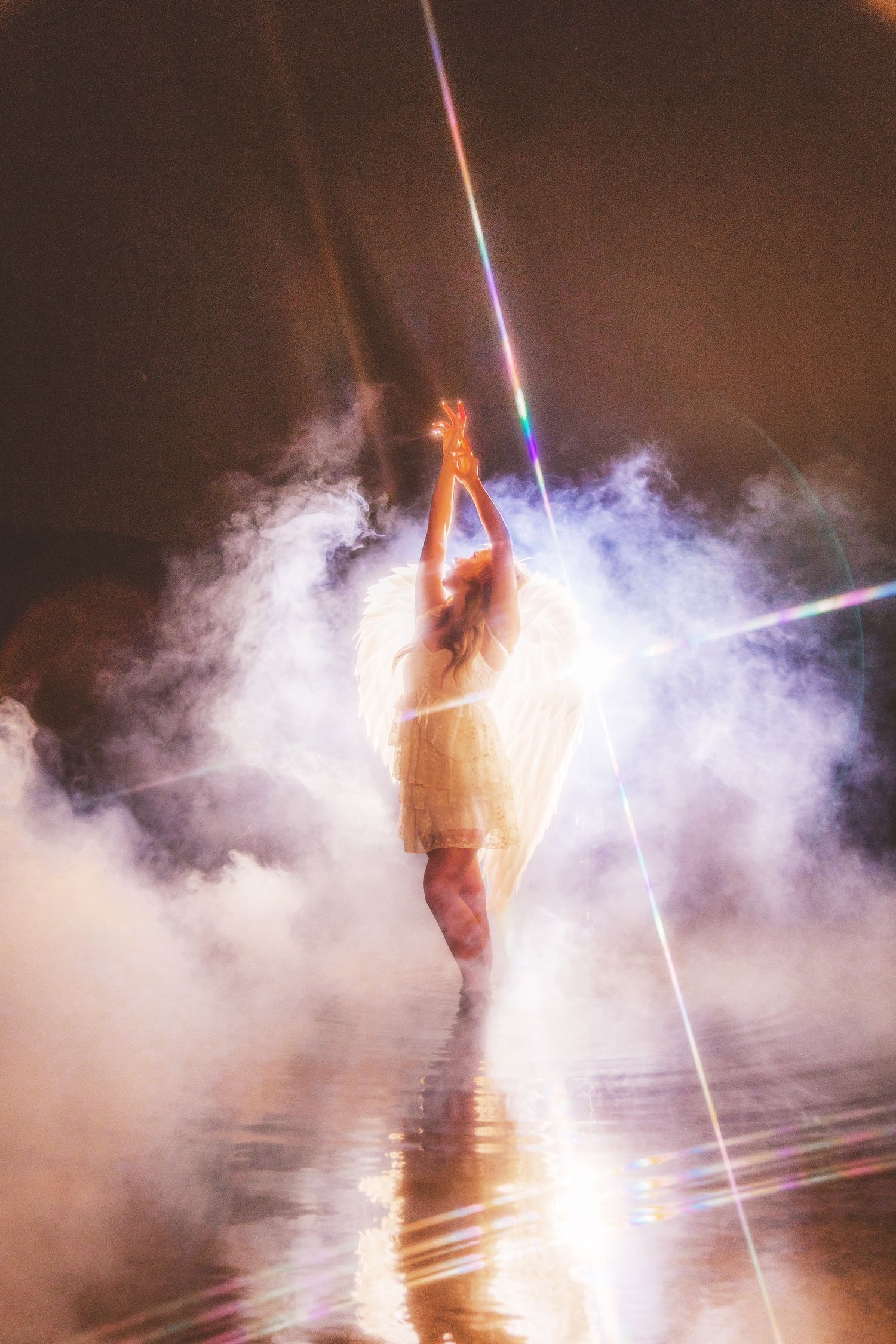
The dream filter helped soften highlights and added glow to the light sources, which was perfect for the angelic look we were going for.
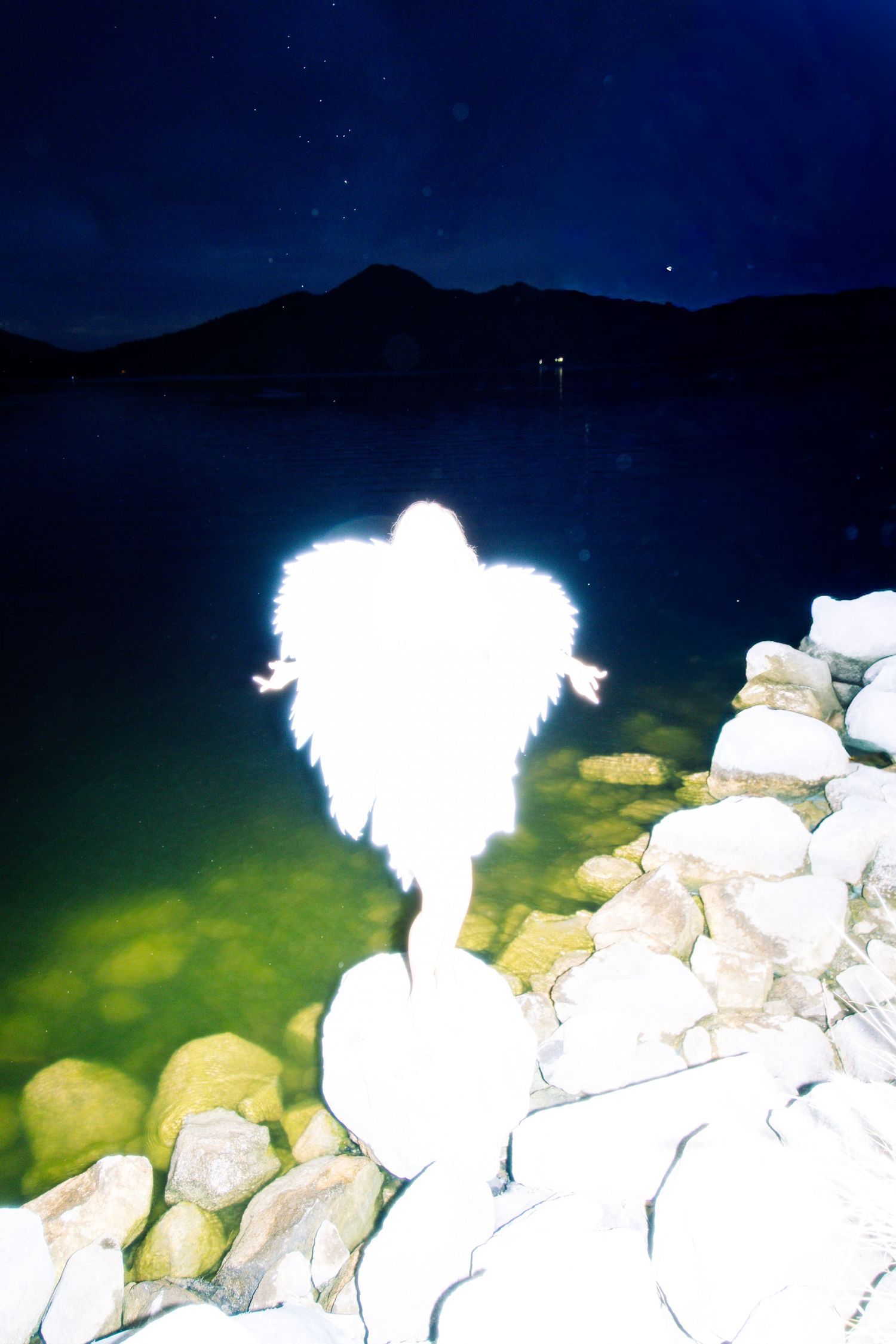
The wings were from Amazon, they were lightweight and foamy, which actually worked in our favor because the material absorbed and reflected light really beautifully.
Placing the light behind the subject created that glowing outline and separation from the background.
Front Light
We added a second Neewer MS60C on another C-stand in front of the subject at a lower power (50-60%), just enough to bring back detail without overpowering the glow.
Adding Fog & Atmosphere
To push the ethereal look even further, we brought out a fog machine, powered by a portable power station so we didn’t need an outlet.
Once the fog started rolling, everything came together - the light bloomed, the wings glowed, and the scene felt otherworldly. I shot some frames without it, but once I added my starburst filter, I knew it was staying on.
The filter turned highlights into starbursts and added just enough magic without feeling overdone.
Final Thoughts
This shoot was a perfect example of letting limitations guide creativity. No studio, no problem. A lake, some lights, and a lot of imagination went a long way.
If you want to recreate something similar, all the gear used in this shoot is linked throughout this post.
And if you try something inspired by this, I’d love to see it!